 Environment
Finland leads the Nordics on clean energy
Ad

Blocked by ad blocker

Monetisation Platform
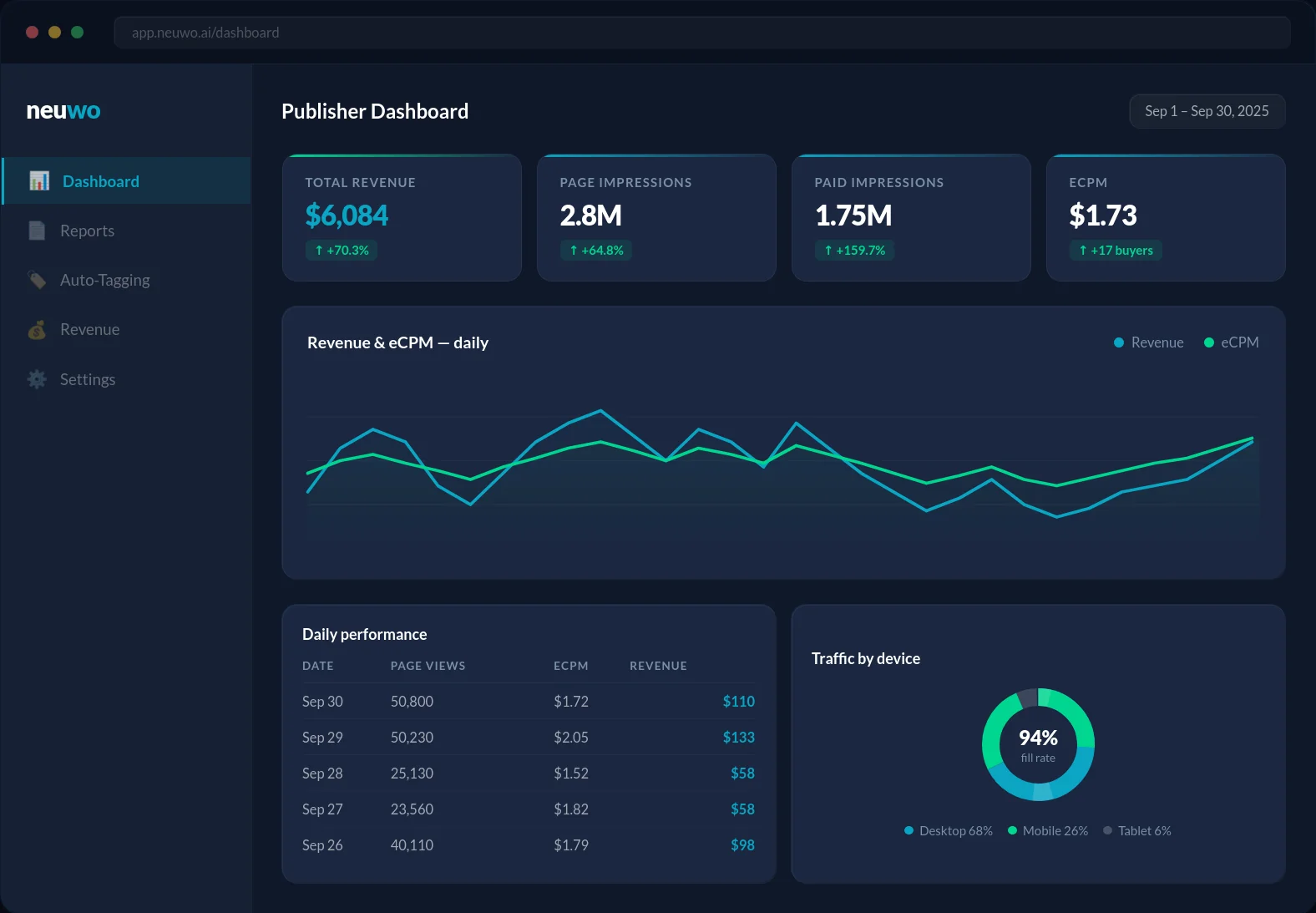
Neuwo's contextual AI, Kiosked technology, and a proactive team deliver up to 70% higher revenue for publishers. Ad Shield recovers earnings lost to ad blockers.
The under-image ad unit sits below media content for high visibility. Ideal for monetising images and videos, it's a top performer across mobile and desktop ads, maximising revenue opportunity for publishers.
The in-line ad unit is placed between article paragraphs, ideal for monetising long content. It supports both video and display ads, ensuring maximum fill and revenue potential.
The interstitial ad unit is a full-screen, high-impact ad that appears during natural content breaks. It's highly engaging, ideal for driving conversions, and works seamlessly across mobile, tablet, and desktop for maximum visibility and revenue.
The in-screen ad unit is an adhesion placement at the bottom of the screen that stays in view as users scroll. It's perfect for complementing in-content ads, especially on mobile, ensuring continuous visibility and driving higher engagement.
The top-in-screen ad unit is an adhesion ad that stays at the top of the screen as users scroll through content. It's perfect for maximising visibility without disrupting user experience and is highly effective across both mobile and desktop platforms.
The vertical in-screen ad unit is a sticky placement along the side of the screen, remaining visible as users scroll. Ideal for mobile and desktop, it provides continuous engagement and maximises ad exposure without interfering with content consumption.
The corner ad unit is an adhesive placement in the lower corner of the page, left or right. Supporting both video and display ads, it helps boost viewability while staying non-intrusive, ensuring maximum engagement and visibility.
The double medrec unit runs on two separate demand stacks, supporting various creative formats. This unit can double your revenue potential with a single ad placement, offering maximum flexibility and performance.
Ad Shield
More of your readers browse with an ad blocker on, and those pageviews earn nothing today. Ad Shield is part of the monetisation platform, built to win those impressions back and serve the same brand-safe demand to people who would otherwise see no ads at all.
It runs inside the same monetisation platform, managed by the same team and drawing on the same demand you already sell through.
Recovered impressions carry the same contextual signals and safety controls as everything else you sell, so quality holds.
Keep it off, switch it on, or dial where it runs. The control stays with you.
Every site joining Kiosked goes through a validation process. The fastest way to get the approval process rolling is through filling out the sign-up form. This process is mandatory to monetise your site.
To monetise your site, there are three ways you can run Kiosked: add our script to your HEAD, serve through your ad server, or serve through a Tag Manager.
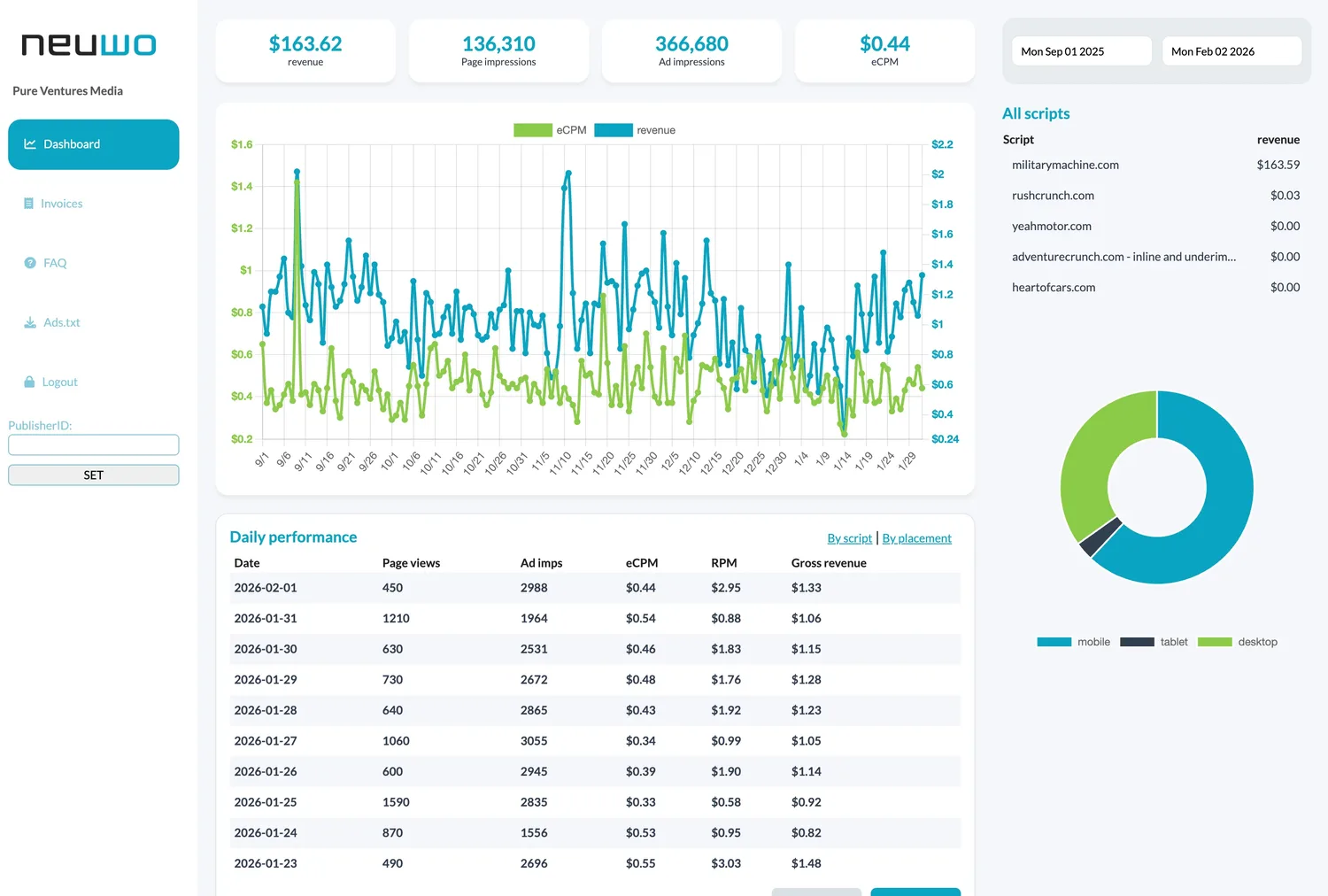
Once you start running our script, you start monetising website with ad revenue. We continuously analyse and optimise the performance to guarantee best possible results for you.